
Create something worth sharing.
Your photos. Your colours. Your identity. Create on iPhone or iPad, in portrait or landscape, and see your design as you edit.
Get Team Studio on the App Store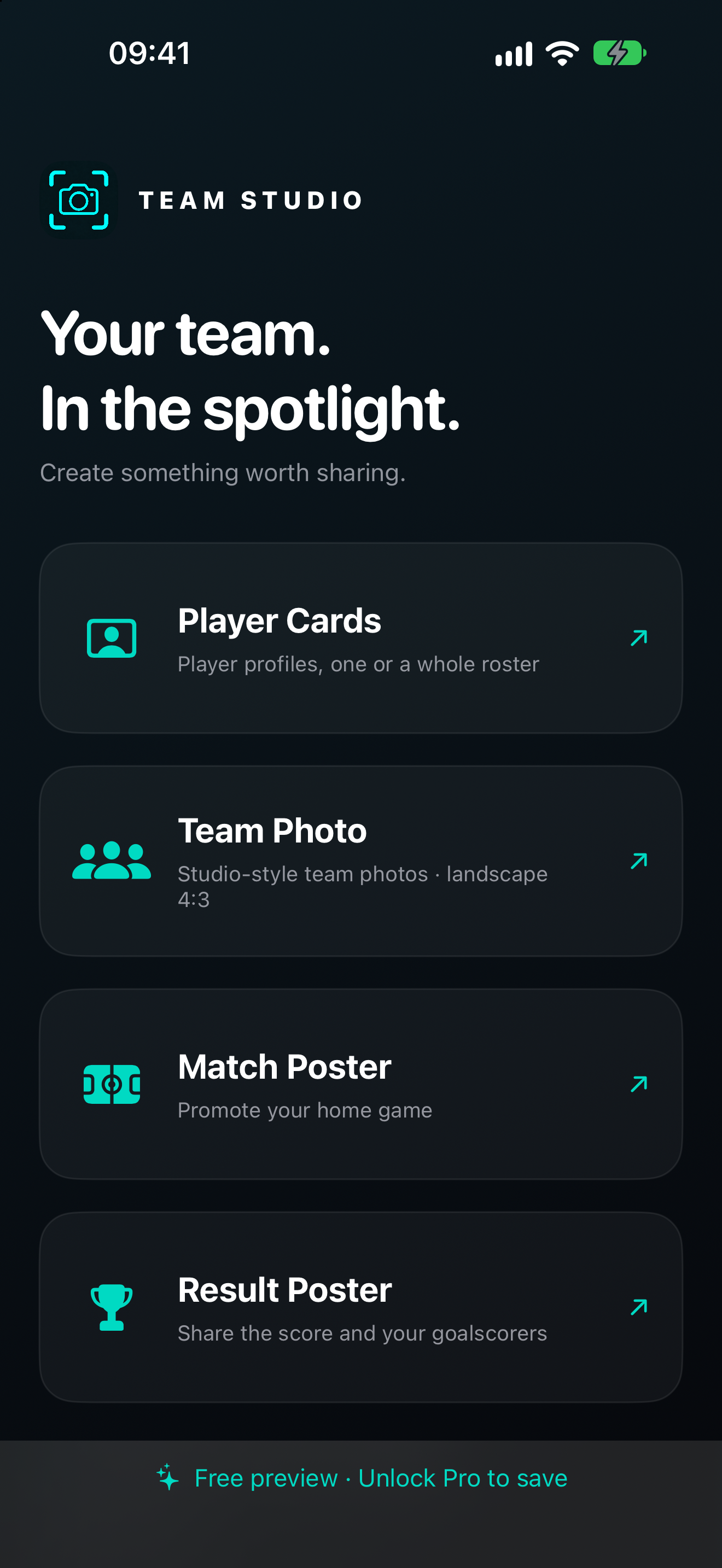
Player Cards
Choose a photo and add the player’s name, number and details. Adjust the cutout and layout, or prepare a whole roster with CSV import and batch export.
Team Photo
Turn your team photo into a studio-style image. Choose a backdrop or solid colour, add your club badge and team details, and adjust the lighting.
Match Poster
Set the home and away teams, badges, venue and kick-off. Add an optional photo and a ticket QR code pointing to your own link.
Result Poster
Celebrate the final score with both team badges. Add scorers, shirt numbers and the score at each goal. Goal entries stay separate from the final result.
From your photo to your team’s feed.
- 01 · CREATE
Choose your tool.
Start with a player card, team photo, match poster or result poster. Add your photos and badges.
- 02 · MAKE IT YOURS
Shape the design.
Edit the text, colours, framing and lighting. Your draft stays on your device while you work.
- 03 · SHARE
Save the finished image.
Unlock full access to save high-resolution images to Photos or share them through Files and other apps.
Try freely. Pay once.
Free editing lets you try the tools with watermarked previews. One optional purchase unlocks all features forever, including watermark-free previews and high-resolution saving, sharing and roster batch export.
No subscription. No recurring payments. Apple shows the price in your local currency before you buy. If you bought Team Studio before it became free, your full access is included.